Product · $7
Arx Remote
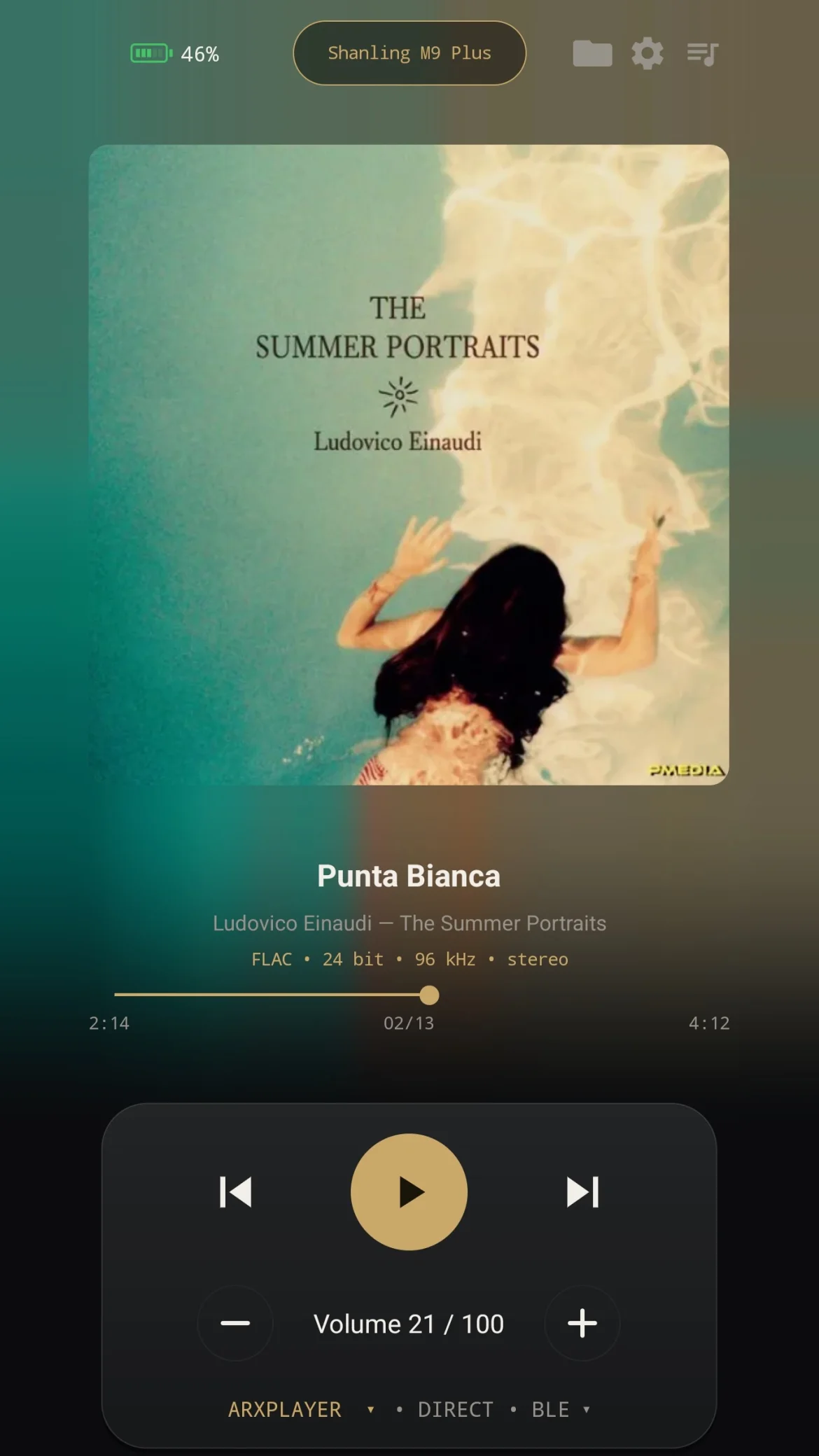
A universal remote control in two parts: Arx Companion goes on your Android player, Arx Controller on your phone. Leave the player in your pocket or backpack: tracks, volume and battery are on your phone screen.
Installed via the Telegram bot @ArxSecretorum_bot · Android 10+ · Companion included for free
Specification
Under the hood
How the remote works, in short.
Our own Bluetooth LE protocol
Commands are numbered: after a dropout the remote and the player compare numbers, so nothing is lost and nothing runs twice. Only events go over the air, the phone keeps the time bar running itself, and cover art is fetched on request and cached.
Arx Companion on the player
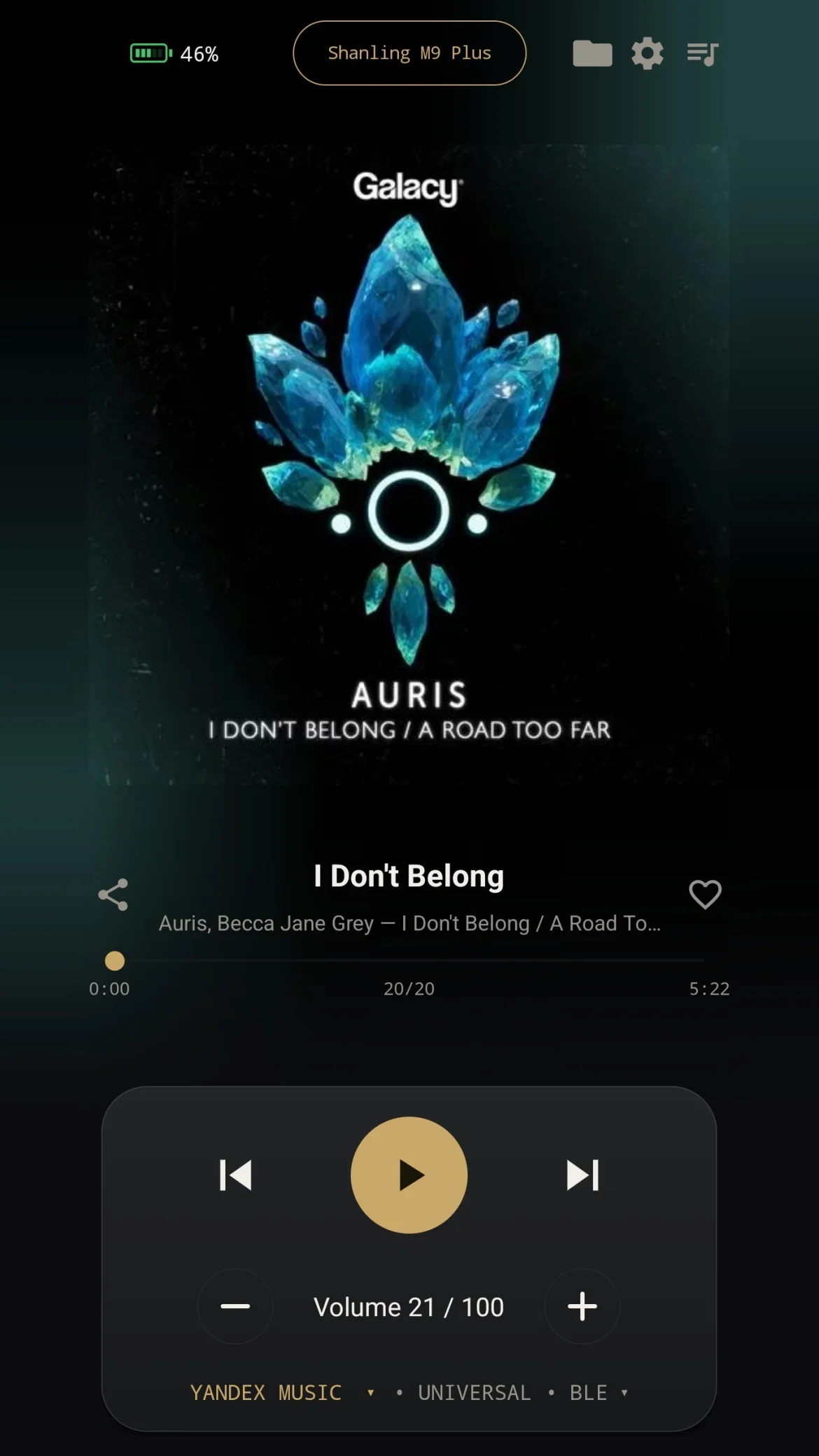
A service on your Android player: it receives the remote's commands and controls the music app through the Android media session. That is why the remote works with any app that has one (for example Arx Player, UAPP, Neutron, Tidal, Qobuz, Spotify). It never goes online.
Direct link to Arx Player
With Arx Player, Companion uses a direct channel instead of the media session, so the remote sees the player's library and queue.
SyncLink
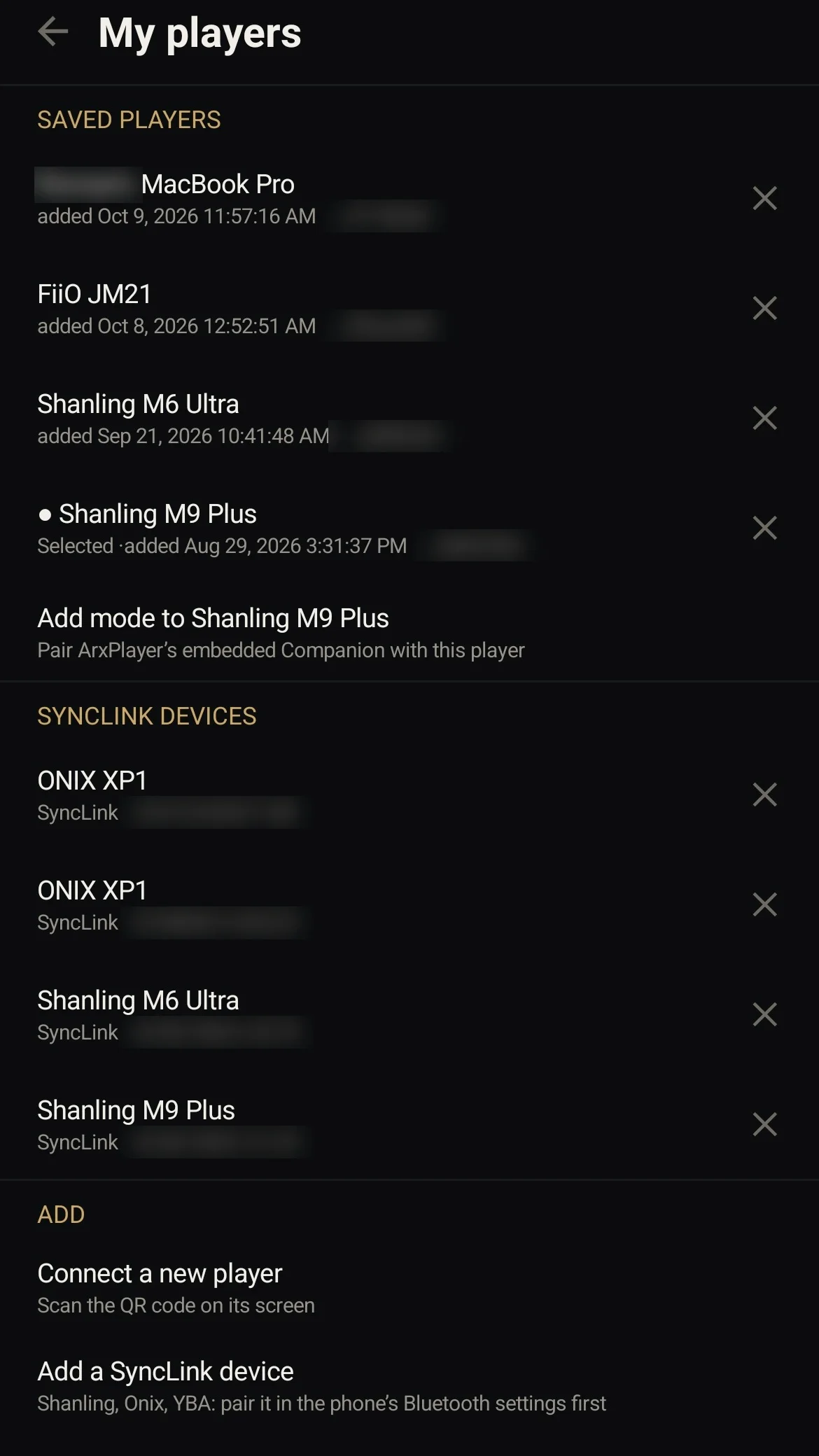
Shanling, Onix and YBA players with their own SyncLink work with the remote even without Companion: just pair them in the phone's Bluetooth settings.
Pairing and encryption
The remote and the player are paired once: a QR code on the player's screen and six digits you check on both screens. Keys stay in the Android secure keystore, and everything sent over the air is encrypted.
Licence via Telegram
Sign in with Telegram, one account shared with Arx Player. The licence is stored on the phone and works offline for up to 90 days.
In practice
Scenarios
Player in your pocket, remote in hand
The player stays in your pocket or backpack, while tracks, volume and battery level are on your phone screen. It works over Bluetooth, even with the screen off.
Player on the rack, you on the sofa
The player sits on your home media rack, and you're on the sofa with your phone, in full control of playback and your library without going over to the rack. You can even control it from the next room.
Several players, one remote
At home a player sits on the rack, and you take a portable one on the road. The remote remembers both and switches to the one nearby on its own.
Included
Arx Companion — free
The second half of the remote: an app for your Android player, included with the Arx Remote purchase. It never goes online. It asks for notification access — without it Android does not let one app control music in another.
Interface
Screenshots
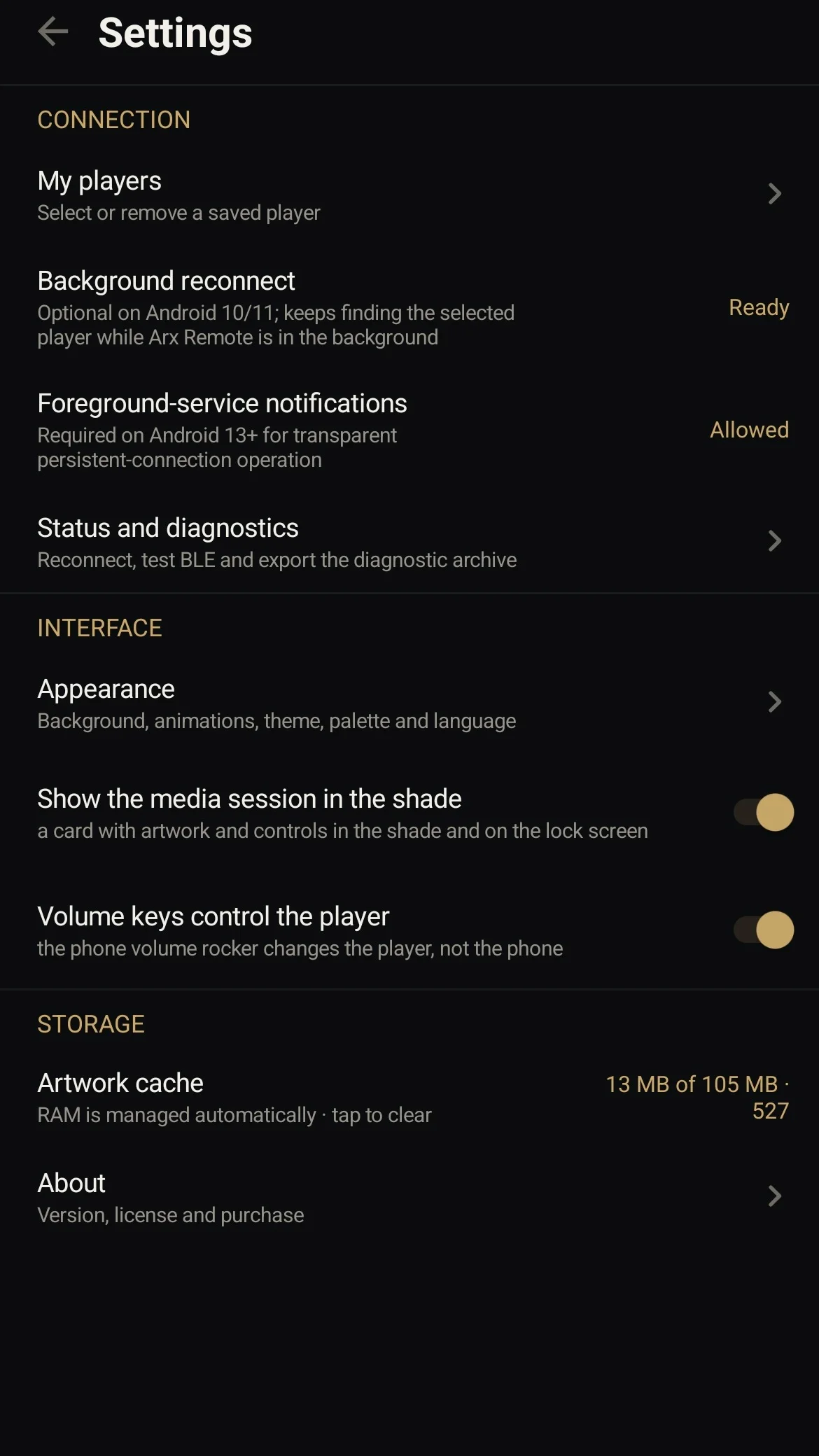
Frames of the real interface — no renders, no mockups.
One-time purchase
$7
pay once — keep forever
- 7 days free: full functionality after the first sign-in
- Up to 5 devices per account
- Android 10.0 or newer
- Arx Companion for your Android player — free, included
Payment (in Telegram Stars) and installation happen in the Telegram bot @ArxSecretorum_bot. After the purchase you are returned to the app automatically.